Less bookmark folder. More visual workspace.
myGridz is for links you actually use: tools, research, places, references, inspiration, and anything worth opening again. Arrange them into a board you can recognize at a glance.
myGridz turns trusted links into visual resource hubs: private while they take shape, then ready to share with a group or publish for a wider audience.
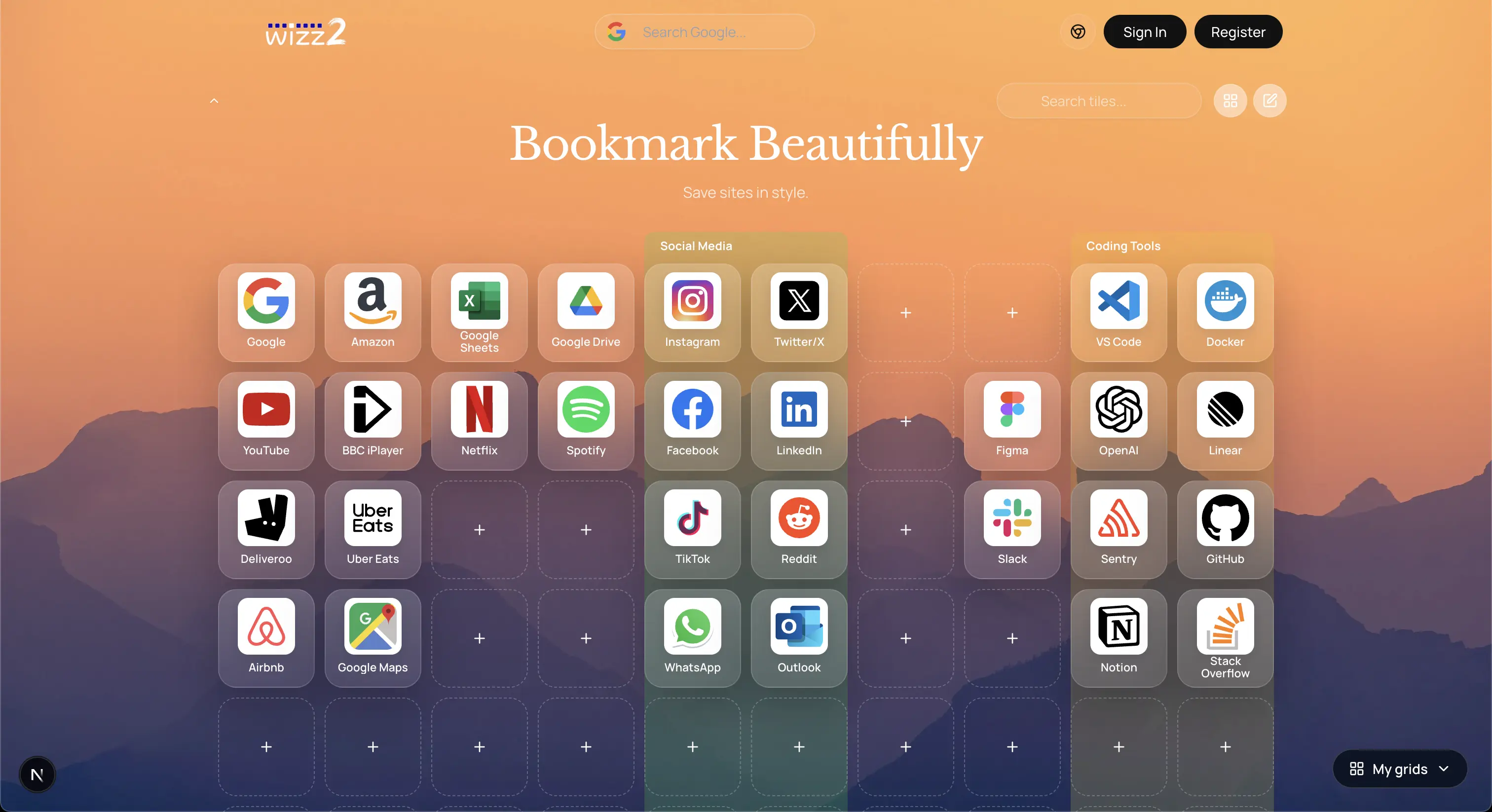
A grid gives your links shape, memory, and a place to live.
myGridz is for links you actually use: tools, research, places, references, inspiration, and anything worth opening again. Arrange them into a board you can recognize at a glance.
Sharing, discovery, groups, and public tiles all support the collection instead of pulling attention away from it.
Open a ready-made grid to see how links can become a useful visual resource hub.
Three moves from scattered links to a collection worth opening.
Add the links, tools, places, and ideas you want close to hand.
Turn them into recognizable tiles with position, color, and imagery.
Keep a grid private, publish it publicly, or share it with a group.
Publish polished collections, build group spaces, and reuse good tiles from the wider myGridz library.
Publish useful grids people can browse, follow, and come back to.

Make a shared space for a team, project, class, club, or community.
Find public tiles and add useful starting points to your own grids.
Free accounts can create up to three grids, add links, and publish when ready.
Your grids stay yours until you choose who else can see them.
Turn scattered links into a collection that feels intentional.
Color, position, and imagery help important links become recognizable.
The Chrome extension keeps myGridz close to the moment of discovery. Save a page as you browse, then shape the grid when you are ready to organize or share it.
Install extensionStart free with up to three grids, stay private while you build, and publish only when it feels right. Paid plans expand limits and upload options.